
AI Video Generation Tools and Trends for 2026
Explore the top AI video generation tools, 2026 trends, major use cases, and how creators can choose the right platform to grow faster today.
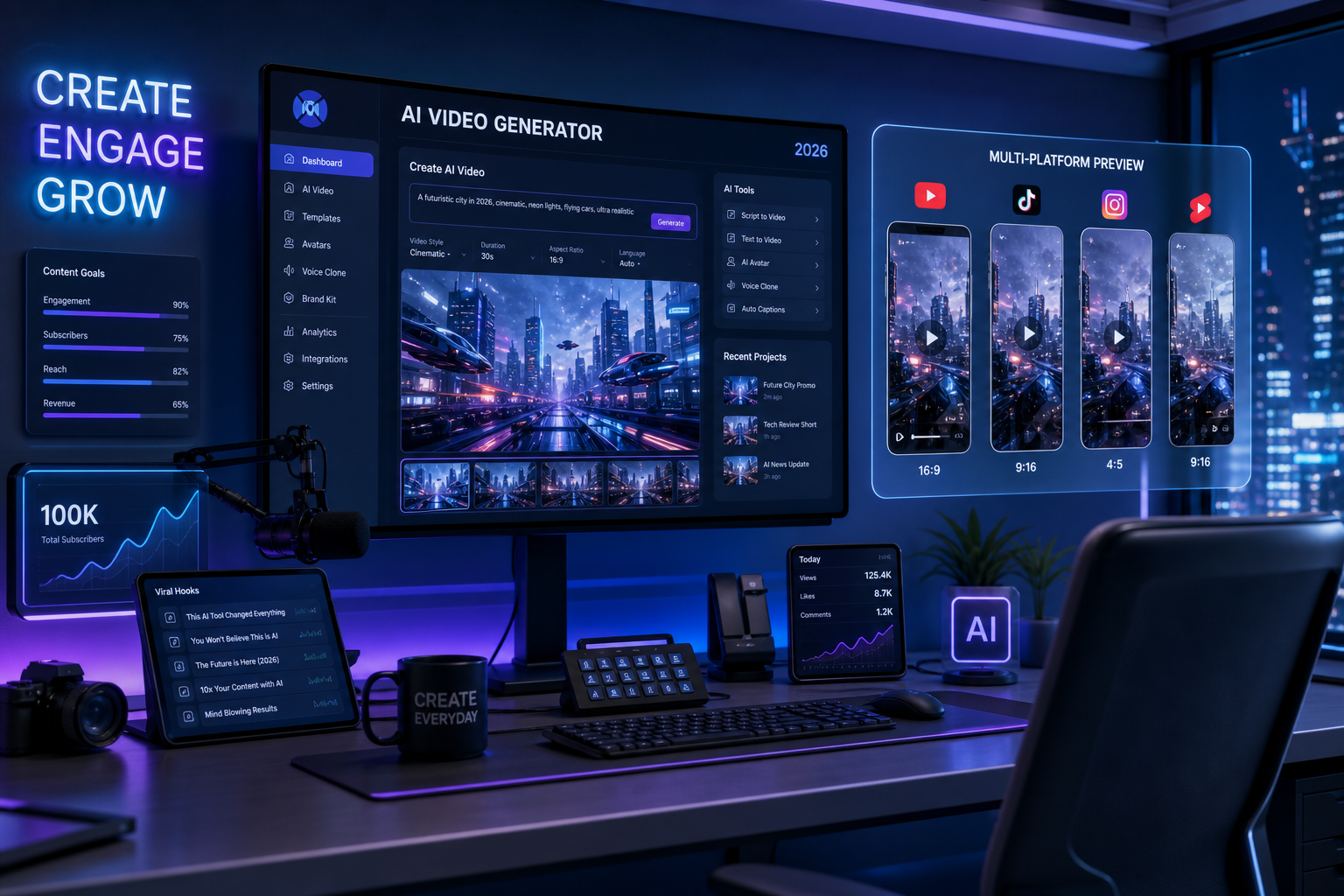
AI video generation is no longer a fringe experiment. In 2026, it is a real production layer for creators, marketers, podcasters, startups, and social teams that need to move faster without building a bloated tool stack.
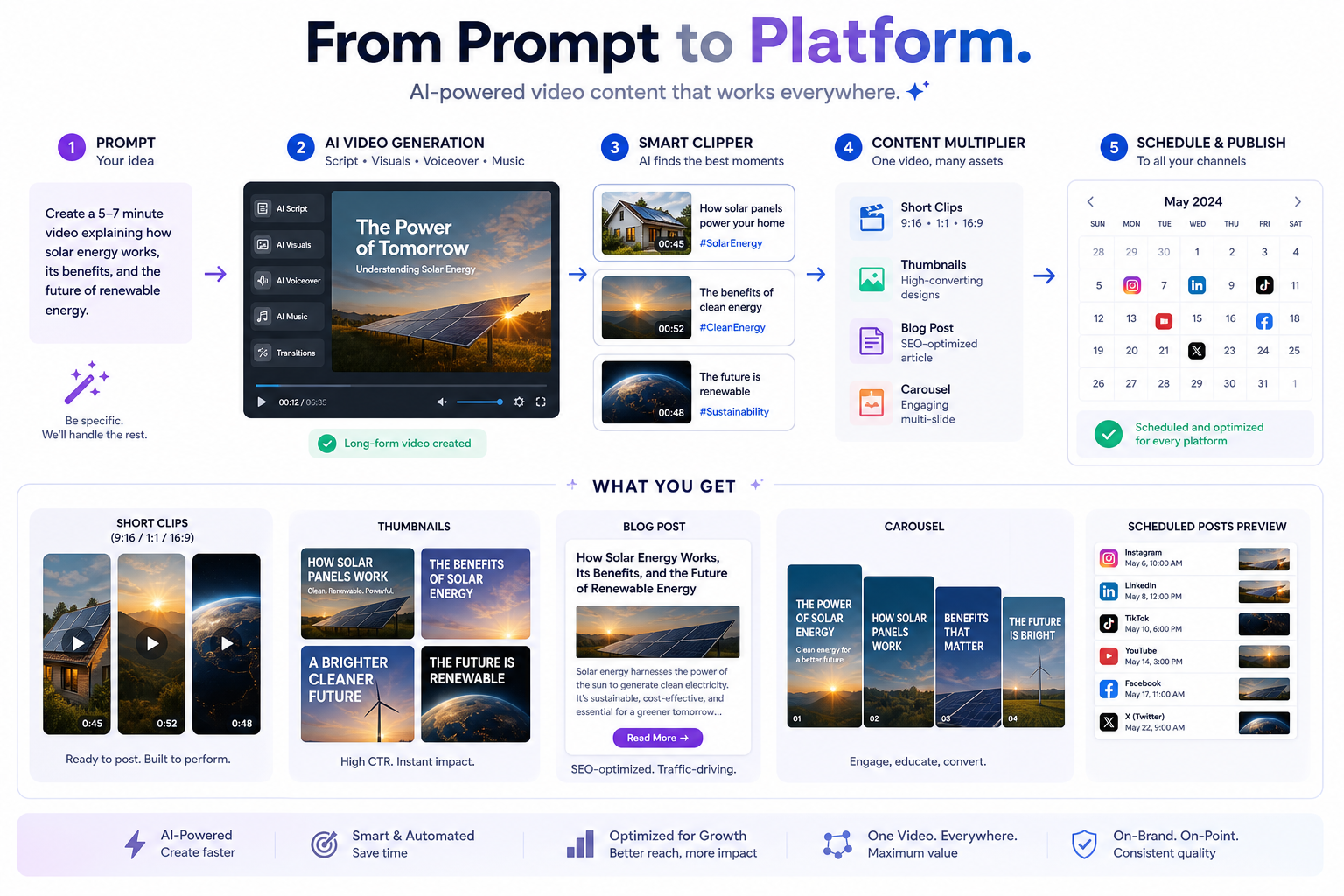
The core shift is simple: making video is easier than ever, but turning that video into platform-ready content at scale is still hard. Most teams can now generate a clip, an avatar video, or a cinematic sequence. The real bottleneck is what happens next: finding the best moments, editing them for different formats, writing captions and posts, creating thumbnails, building carousels, publishing everywhere, and staying consistent without burning out.
That is where the conversation gets interesting.
This guide breaks down what AI video generation actually means in 2026, which tools are leading the market, the biggest trends shaping creator workflows, and how to choose a setup that delivers speed, reach, and ROI — not just cool demos.
"The AI video generation market size was estimated at $788.5 million in 2025 and is projected to reach $3,441.6 million by 2033." — Grand View Research
"48.6% of marketers identify short-form video as their top-performing content type." — PostPlanify citing HubSpot State of Marketing
What AI Video Generation Means in 2026
At a basic level, AI video generation refers to software that uses artificial intelligence to create, transform, edit, or expand video content from prompts, scripts, audio, images, or existing footage.
In practice, that now includes several categories:
| Category | What it does | Best for |
|---|---|---|
| Text-to-video | Generates scenes from prompts | Ads, concepts, cinematic B-roll, creative experiments |
| Avatar video | Creates presenter-led videos with AI humans | Training, explainers, localization, sales enablement |
| AI editing | Cuts, captions, reframes, and polishes existing footage | Podcasts, YouTube, webinars, interviews |
| Repurposing engines | Turn one recording into many assets | Creators, agencies, social teams, content marketers |
| Translation and dubbing | Localizes video with lip sync and voice AI | Global campaigns and multilingual publishing |
| AI-assisted publishing | Schedules and distributes finished assets | Teams managing omni-channel output |
That last category matters more than many competitor articles admit.
A lot of "best AI video generator" roundups focus only on output quality. But for real-world creators and marketers, the question is bigger:
Can this tool help me turn one source recording into a sustainable publishing system?
That is why the best 2026 workflows are not just about generation. They are about generation + repurposing + editing + writing + publishing.
Why AI Video Generation Is Exploding Right Now
Three forces are driving adoption fast.
1. Production cost has collapsed
Teams no longer need a full studio, a production crew, or days of post-production to create useful video assets. AI can now handle first drafts, rough cuts, captioning, social variants, voiceovers, and even translations.
2. Short-form demand is relentless
The pressure is no longer to publish one polished video. It is to publish consistently across TikTok, Reels, Shorts, LinkedIn, X, YouTube, and more.
3. The winners are repurposers, not just creators
Long-form content still matters. Podcasts, interviews, webinars, sales demos, and educational videos are gold mines. But the brands growing fastest are the ones that can extract 20+ publish-ready assets from one recording instead of letting that source content sit unused.
That is exactly why platforms like Clipo AI are gaining traction. Instead of forcing creators to pay for separate subscriptions for clipping, editing, captioning, writing, thumbnail design, carousel creation, image generation, and scheduling, Clipo AI combines those functions into one workflow. You record once, then transform that recording into a multi-channel content engine.
What Competitor Articles Get Right — and What They Miss
Most top-ranking articles agree on the broad story:
- AI video quality has improved dramatically
- Tools like Synthesia, HeyGen, Runway, Veo, and Sora are category leaders
- Use cases now include training, social content, and cinematic generation
- Pricing and output quality vary widely
- Human creative direction still matters
All true. But there are several important gaps:
They over-focus on the "generation" moment
Most articles stop at "this tool makes a video." They do not go deep on what happens after generation: clipping, resizing, adapting, writing copy, creating thumbnails, building carousel posts, and scheduling distribution.
They underplay workflow friction
Using five separate tools can erase the productivity gains of AI. If you generate in one app, edit in another, write in a third, design thumbnails in a fourth, and publish in a fifth, your team is still slow.
They ignore creator economics
A solo creator or lean marketing team does not just need the "best model." They need the best content output per hour and per subscription dollar.
They rarely distinguish between creation tools and repurposing tools
That distinction is essential in 2026. If you create long-form content regularly, a pure generator is not enough. You need a system that helps you mine, package, and publish the best moments fast.
The Major Use Cases for AI Video Generation in 2026
Cinematic content and concept visualization
Text-to-video tools can now create atmospheric scenes, product concepts, mood films, and pre-visualizations that used to require serious production resources.
Training and internal communications
Avatar-based tools are perfect for corporate explainers, onboarding videos, policy updates, and multilingual internal messaging.
Product marketing and ad creatives
AI video speeds up variant testing, localized creatives, and rapid experimentation for paid campaigns.
Podcast and YouTube repurposing
This is one of the highest-value use cases right now. Long-form video and audio can be transformed into short clips, quote posts, captions, blogs, carousels, thumbnails, and scheduler-ready assets.
Social content operations
Social teams can use AI to scale video creation without sacrificing consistency, especially when paired with tools that support manual creative control.
Top AI Video Generation Tools for 2026
Below is a practical shortlist based on current market direction, real creator use cases, and where each platform fits.
1. Synthesia

Best for
Corporate training, internal comms, onboarding, and clean avatar-led explainers.
Why it stands out
Synthesia remains one of the safest enterprise-friendly choices for businesses that need professional presenter-style video without filming talent.
Strengths
- Realistic avatar library
- Strong multilingual support
- Professional output for business use
- Easy script-to-video workflow
Limitations
- Less suitable for cinematic or creator-style storytelling
- Can feel templated if overused
2. HeyGen

Best for
Multilingual marketing, personalized videos, and fast presenter-led content.
Why it stands out
HeyGen has become a favorite for teams that need scalable localization and AI spokesperson content with less friction.
Strengths
- Great translation workflows
- Strong ease of use
- Good for product marketing and short explainers
- Useful for personalized outreach
Limitations
- Avatar realism can still vary
- Not built for advanced cinematic control
3. Runway

Best for
Creative experimentation, cinematic visuals, motion design, and high-end generative video.
Why it stands out
Runway is still one of the most creator-respected platforms for pushing visual quality and stylized outputs.
Strengths
- Advanced control options
- Strong creative flexibility
- Useful for filmmakers and brand creatives
- Supports experimental workflows well
Limitations
- Learning curve is real
- Not ideal for teams that want quick, repeatable social ops
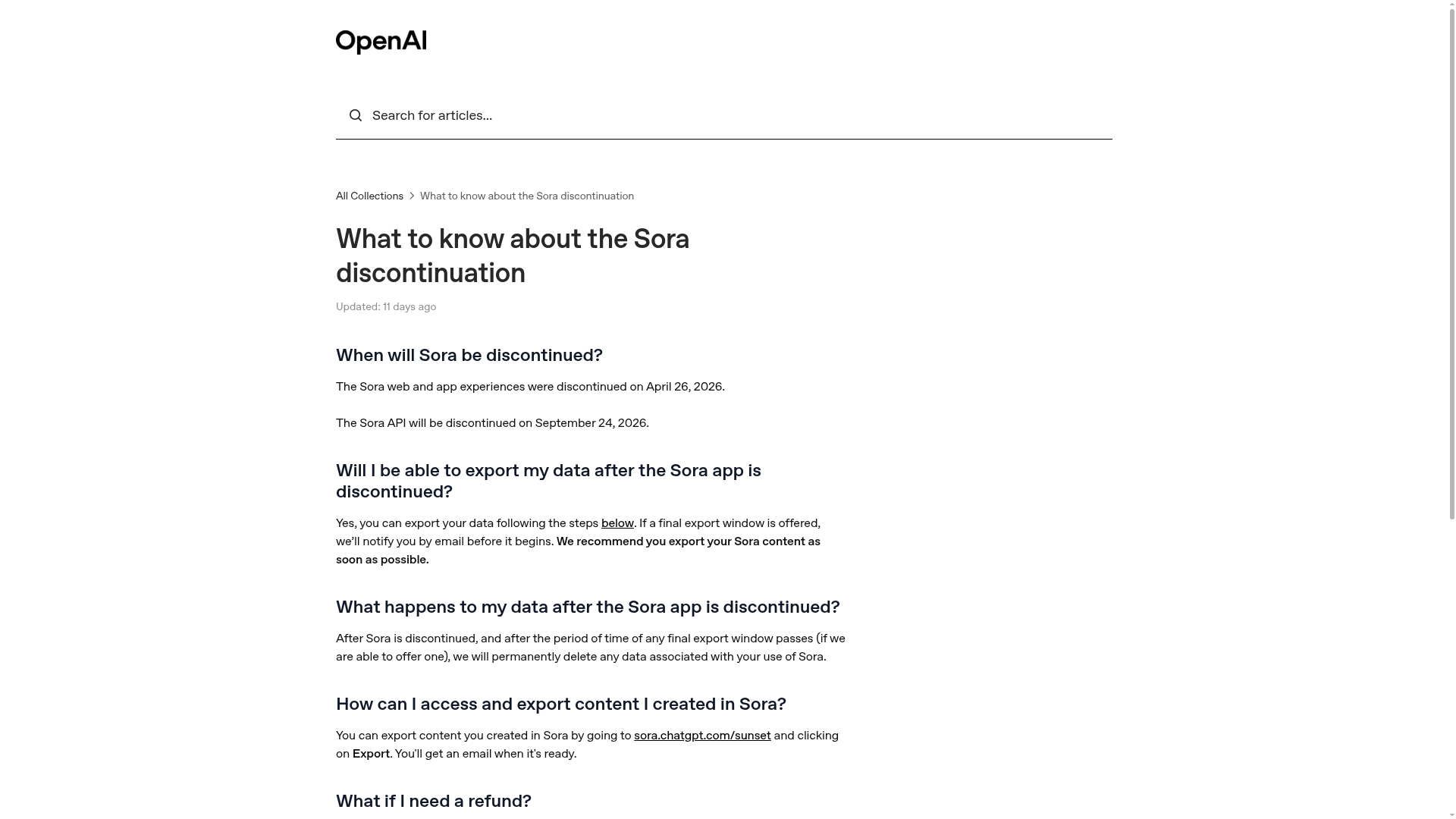
4. OpenAI Sora
Best for
Narrative scenes, concept storytelling, and visually rich prompt-based generation.
Why it stands out
Sora changed expectations around coherence, scene logic, and cinematic feel in AI-generated video.
Strengths
- Strong narrative feel
- Better temporal consistency than early tools
- Impressive prompt interpretation
- Great for story-led creative work
Limitations
- Access and workflow constraints can still be limiting
- Not an all-in-one production system
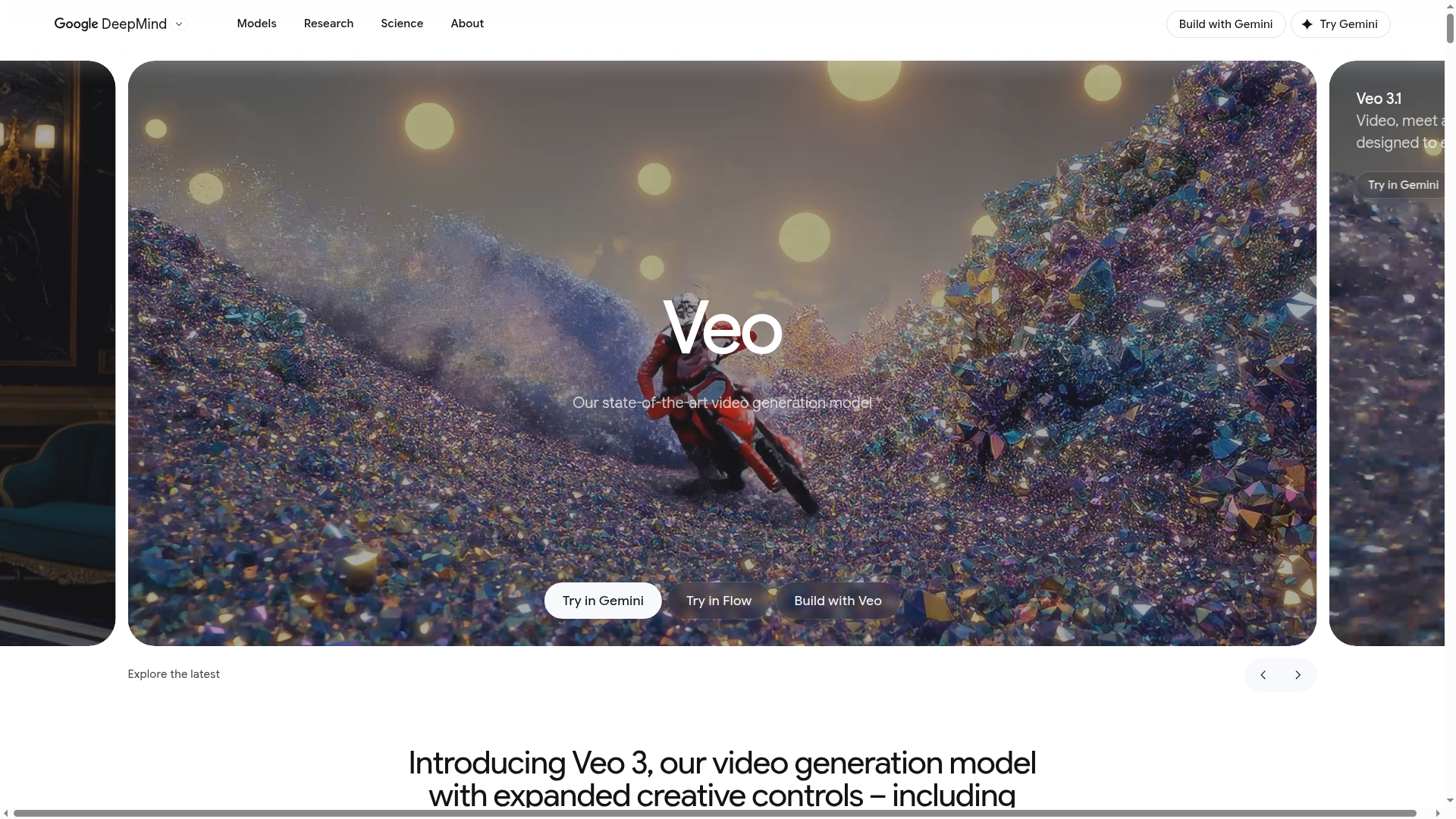
5. Google Veo
Best for
High-fidelity cinematic output with strong realism and native audio potential.
Why it stands out
Veo is becoming the benchmark for polished, premium-looking AI video generation.
Strengths
- Excellent visual fidelity
- Strong cinematic styling
- Native audio is a major advantage
- Great for premium brand visuals
Limitations
- Can be quota- or access-limited
- Better for hero assets than daily content volume
6. Pika
Best for
Fast social visuals, creator experiments, and stylized short clips.
Why it stands out
Pika is lightweight, creative, and social-native, making it attractive for fast-turnaround content tests.
Strengths
- Good for short-form creative experiments
- Easy to test ideas quickly
- Strong creator community energy
Limitations
- Less suited for serious business workflows
- Prompt adherence can vary
7. Descript

Best for
Podcast-to-video editing, transcript-based editing, and audio-video cleanup.
Why it stands out
Descript is not a pure text-to-video generator, but it is highly relevant for creators who need fast AI-assisted editing.
Strengths
- Transcript-first editing is efficient
- Great for podcasts and interviews
- Useful cleanup tools
- Strong for creator workflows with source footage
Limitations
- Not a full generative video platform
- Still often requires companion tools
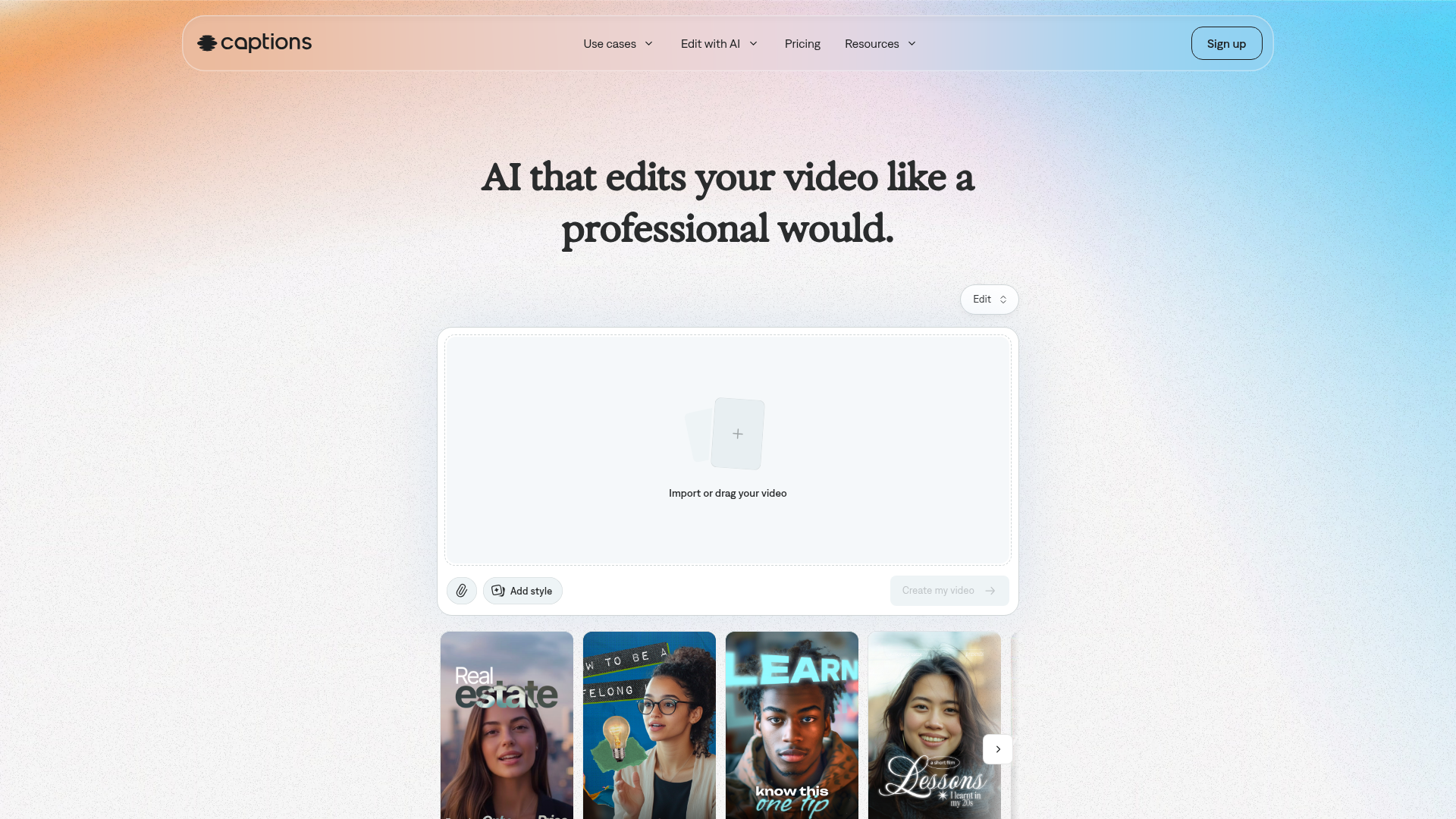
8. Captions
Best for
Mobile-first creators making short-form talking-head content.
Why it stands out
Captions is built around quick edits, eye contact correction, subtitle polish, and creator-friendly mobile workflows.
Strengths
- Easy for short-form production
- Strong mobile usability
- Helpful talking-head AI features
Limitations
- More limited for full-scale content operations
- Not a broad repurposing engine
9. Lumen5

Best for
Turning blog posts and scripts into templated social videos.
Why it stands out
Lumen5 is still useful for marketers who want a simple path from written content to quick videos.
Strengths
- Fast URL-to-video workflow
- Good for volume
- Easy for non-designers
Limitations
- Output can look repetitive
- Weak differentiation for brand-forward creators
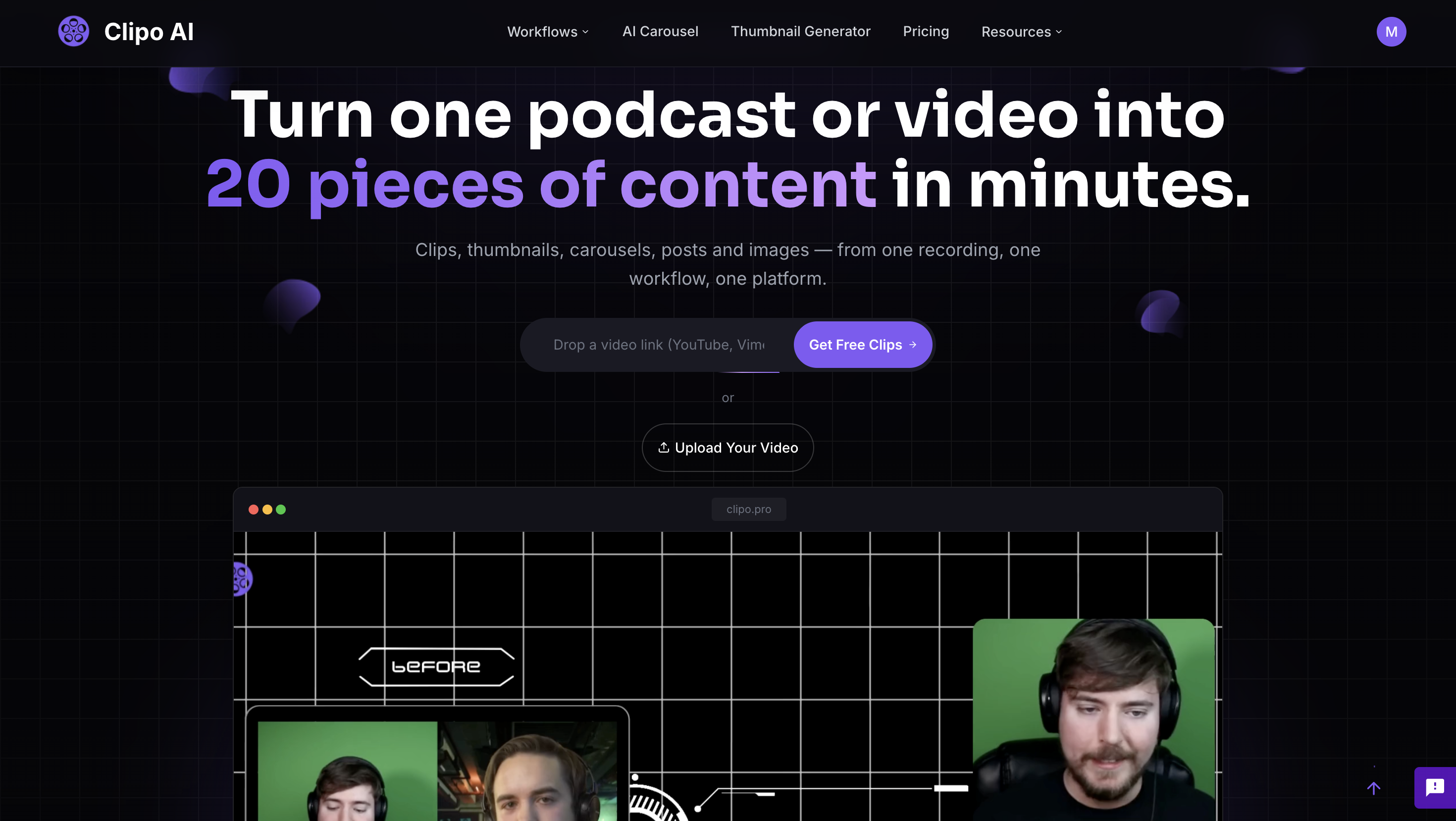
10. Clipo AI
Best for
Creators, podcasters, YouTubers, social teams, marketers, and businesses that want to turn one recording into a full content pipeline.
Why it stands out
This is where the market is moving next. Clipo AI is not just trying to generate a video. It is built to help users extract maximum output from content they already create.
Instead of juggling separate tools, users can:
- Turn one recording into up to 20 content assets quickly
- Generate short clips automatically
- Find clips using keywords or visual moments
- Add and style subtitles
- Create thumbnails
- Generate carousels
- Write social posts and blog content
- Generate or edit images
- Produce faceless shorts
- Schedule and publish across channels
- Keep creative control while still saving time through automation
Strengths
- Built for one-input, multi-output workflows
- Replaces multiple subscriptions with one platform
- Supports omni-channel publishing
- Balances AI automation with manual editing control
- Strong fit for creators and lean marketing teams focused on consistency
Limitations
- Best value appears when you already produce long-form content regularly
- Not a pure cinematic text-to-video specialist — its bigger advantage is repurposing and distribution efficiency
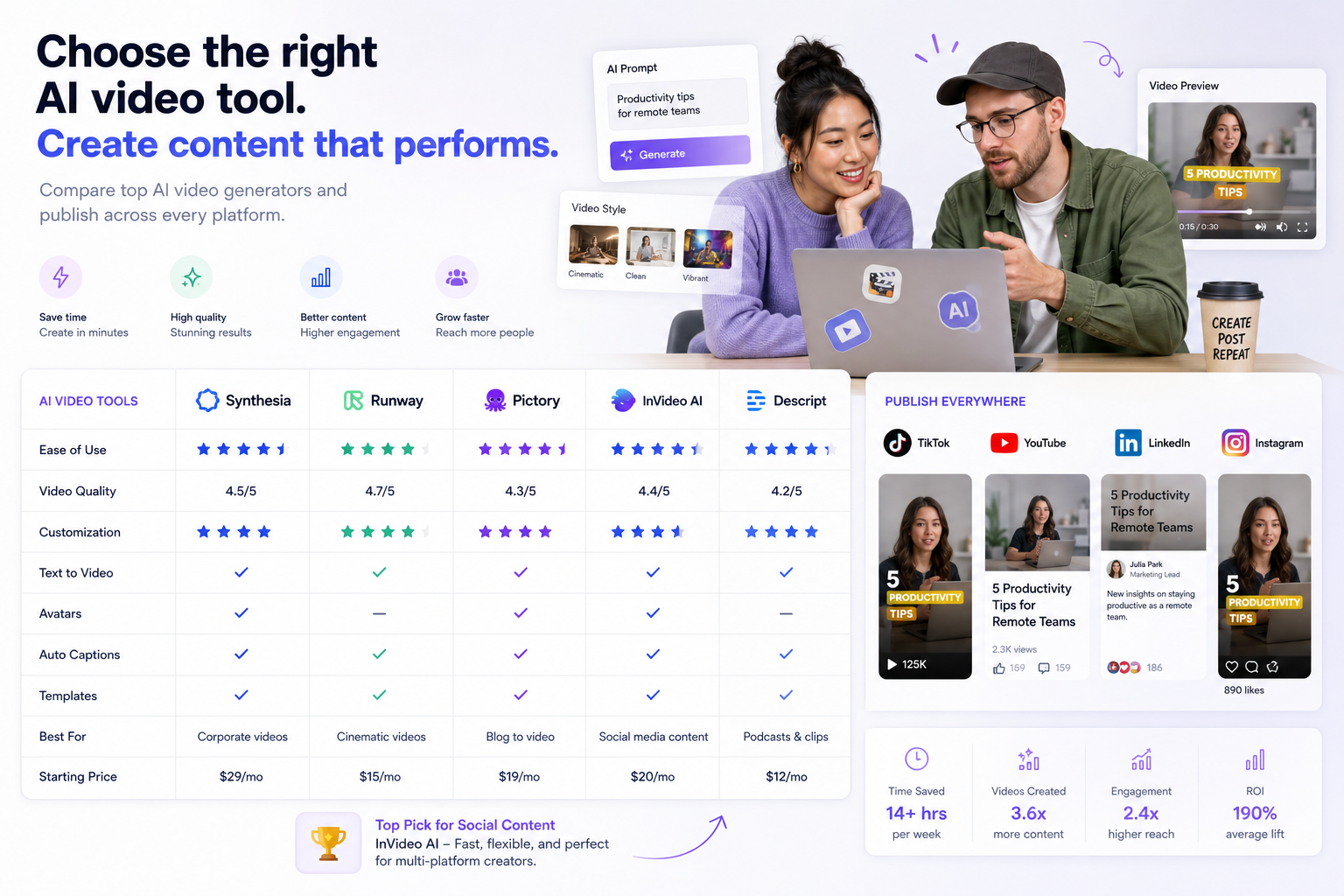
Quick Comparison Table
| Tool | Core strength | Ideal user | Best workflow type |
|---|---|---|---|
| Synthesia | AI avatars | Enterprises, HR, L&D | Script-to-explainer |
| HeyGen | Translation and personalized avatars | Marketers, sales teams | Multilingual short video |
| Runway | Creative control | Filmmakers, brand creatives | Cinematic generation |
| Sora | Narrative realism | Story-led creators | Prompt-to-scene |
| Veo | Premium fidelity | Brands, advanced creators | Cinematic hero content |
| Pika | Creative short clips | Social creators | Fast experimentation |
| Descript | AI editing | Podcasters, YouTubers | Transcript-to-edit |
| Captions | Mobile short-form | Solo creators | Talking-head short-form |
| Lumen5 | Blog-to-video | Content marketers | Templated repackaging |
| Clipo AI | Content repurposing engine | Creators, teams, marketers | One recording to many assets |
The Biggest AI Video Generation Trends for 2026
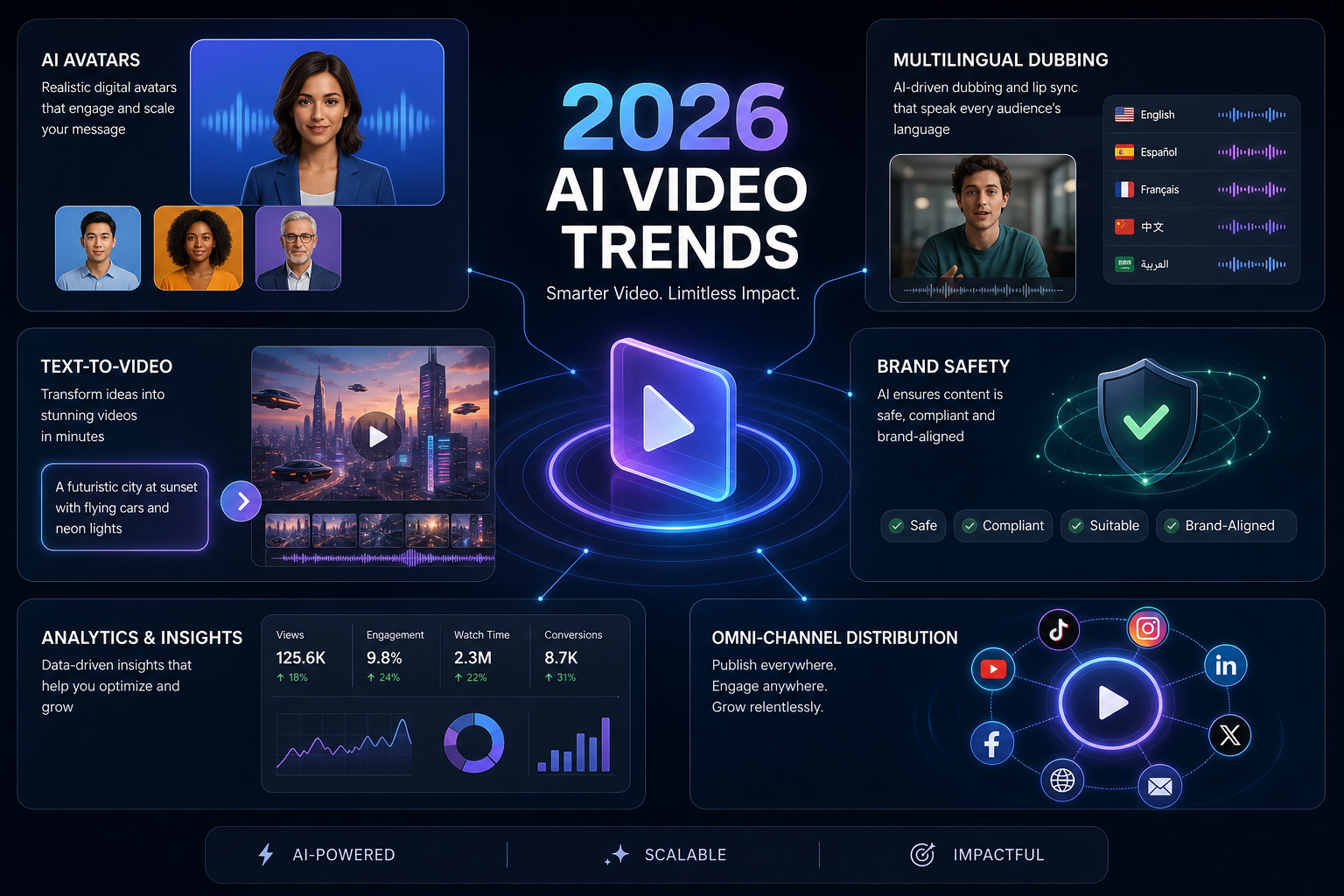
Native audio is becoming standard
The jump from silent AI visuals to synchronized audio is huge. Tools that can generate dialogue, ambient sound, or sound design natively will have a strong edge.
Multilingual video is going mainstream
Localization is no longer a premium add-on. It is becoming a default expectation for global brands and creators with international audiences.
Creator workflows are replacing single-purpose tools
This is a major trend many articles miss. The best products in 2026 are not just "AI generators." They are workflow systems that connect creation, editing, writing, design, and publishing.
Repurposing is beating raw generation in ROI
Generating a net-new clip from scratch is powerful. But from a business standpoint, turning one webinar or podcast into 20 assets often creates more value, faster.
Manual creative control still matters
The best tools are not fully automatic black boxes. They let creators move fast while still refining hooks, cuts, captions, writing tone, thumbnails, and distribution choices.
Search and discovery inside content is becoming smarter
Keyword-based and visual-based clip discovery is a game-changer for teams sitting on large content libraries. Instead of scrubbing hours of footage manually, AI can surface high-potential moments instantly.
Omni-channel publishing is the new baseline
It is not enough to export a clip. Modern teams need tools that support scheduling, distribution, and channel-aware packaging.
How to Choose the Right AI Video Generation Tool
Choosing well starts with knowing what problem you are actually trying to solve.
If you need cinematic visuals
Go with tools like Runway, Veo, or Sora.
If you need avatar presenters
Choose Synthesia or HeyGen.
If you need faster podcast or interview editing
Descript and Captions are strong options.
If you need to turn one long-form recording into a repeatable content machine
Look hard at Clipo AI.
That distinction is crucial. A creator publishing weekly podcasts does not just need "a video generator." They need:
- Smart clip extraction
- Subtitle styling
- Thumbnail generation
- Social post writing
- Carousel creation
- Image support
- Scheduling
- Consistency across platforms
That is where a repurposing-first platform can outperform a prettier but narrower generation tool.
A Practical Buying Framework
Use this table before you commit.
| Priority | What to look for | Best-fit tool types |
|---|---|---|
| Highest cinematic quality | Prompt control, realism, motion quality | Runway, Veo, Sora |
| Fastest avatar explainers | Script workflow, voices, translation | Synthesia, HeyGen |
| Lowest production complexity | All-in-one interface, easy export | Clipo AI, Captions |
| Best for repurposing long-form content | Clip discovery, writing, assets, scheduling | Clipo AI |
| Best for podcast workflows | Transcript editing, cleanup, captions | Descript, Clipo AI |
| Best for social volume | Short-form optimization, multi-format output | Clipo AI, Captions, Pika |
| Best subscription efficiency | Replacing multiple tools with one | Clipo AI |
The Real Cost of AI Video in 2026
A lot of teams underestimate this. The cost is not just the monthly subscription. It is also:
- Time spent switching between tools
- Re-editing exports for each platform
- Writing posts manually after the video is done
- Paying separate subscriptions for clipping, captions, design, publishing, and analytics
- Losing momentum because the workflow is too fragmented
That is why "cheap" tools are not always cheap.
A creator spending less on one app but more on five total subscriptions, plus extra hours every week, is not actually saving money. A platform that consolidates the workflow often wins on both speed and software spend.
What a Winning 2026 Content Workflow Looks Like
The highest-performing teams are increasingly using this model:
Step 1: Record one high-value long-form asset
Podcast, interview, webinar, sales demo, tutorial, livestream, or founder video.
Step 2: Use AI to identify standout moments
This is where keyword-based and visual-moment discovery becomes powerful.
Step 3: Generate multiple short-form clips
Create TikToks, Reels, Shorts, LinkedIn snippets, teaser clips, and highlight moments.
Step 4: Turn the same source into written and visual assets
Blogs, social captions, carousels, thumbnails, and supporting visuals.
Step 5: Edit selectively, not from scratch
Use manual control only where it adds value: hook optimization, tone polish, caption style, and thumbnail refinement.
Step 6: Schedule and publish everywhere
Consistency is the multiplier.
This is exactly the kind of workflow Clipo AI is built for: one recording in, many ready-to-publish assets out.
Final Verdict
The AI video generation market in 2026 is powerful — but also crowded and confusing.
If your goal is pure cinematic generation, tools like Runway, Veo, and Sora deserve attention.
If your goal is presenter-led business video, Synthesia and HeyGen are still strong choices.
But if your real challenge is scaling content across channels without drowning in tools, handoffs, and repetitive post-production, then the smarter move is not just choosing a generator. It is choosing a content operating system.
That is where Clipo AI stands out.
It is built for the actual reality of modern content teams: one podcast, one webinar, one interview, one raw video — then multiple clips, thumbnails, captions, carousels, blog content, images, and scheduled posts generated from that single source. Faster workflow. Fewer subscriptions. More output. More consistency.
Ready to stop juggling tools and start running content like a scalable engine?
Try Clipo AI Free© 2025 Clipo AI. All rights reserved.